Thank you for commenting.
Here is how I dragged Mercy into my video, with the exact prompts.
No Premiere. No After Effects. No masking, no rotoscoping, no tracking by hand.
You need 4 things:
- Two clips: you and your friend, filmed in two different places
- Claude Code, with the HyperFrames skill
- A computer that can run Python and ffmpeg (Claude Code installs what it needs)
- 30 minutes to film
Step 1: Film the two clips
This step decides everything. Get it right and the rest is prompts.
Both clips:
- Phone on a tripod, vertical, at chest height
- Same height and the same distance on both phones
- Stand at least 2 metres away from the wall or fence behind you
- Full body in frame, head to feet
- Daylight, no strong shadow on your face
Your clip: stand on the right half of the frame. Talk to the space on your left where your friend will stand. At the start, reach into the middle of the screen, grab, and pull all the way across to your side.
Your friend's clip: stand in the middle of the frame. Get pulled: lean and step as if someone dragged you sideways. Then stand, listen, react and say your lines.
Leave 2 seconds of the empty spot before you walk in. Claude uses it as a clean background.
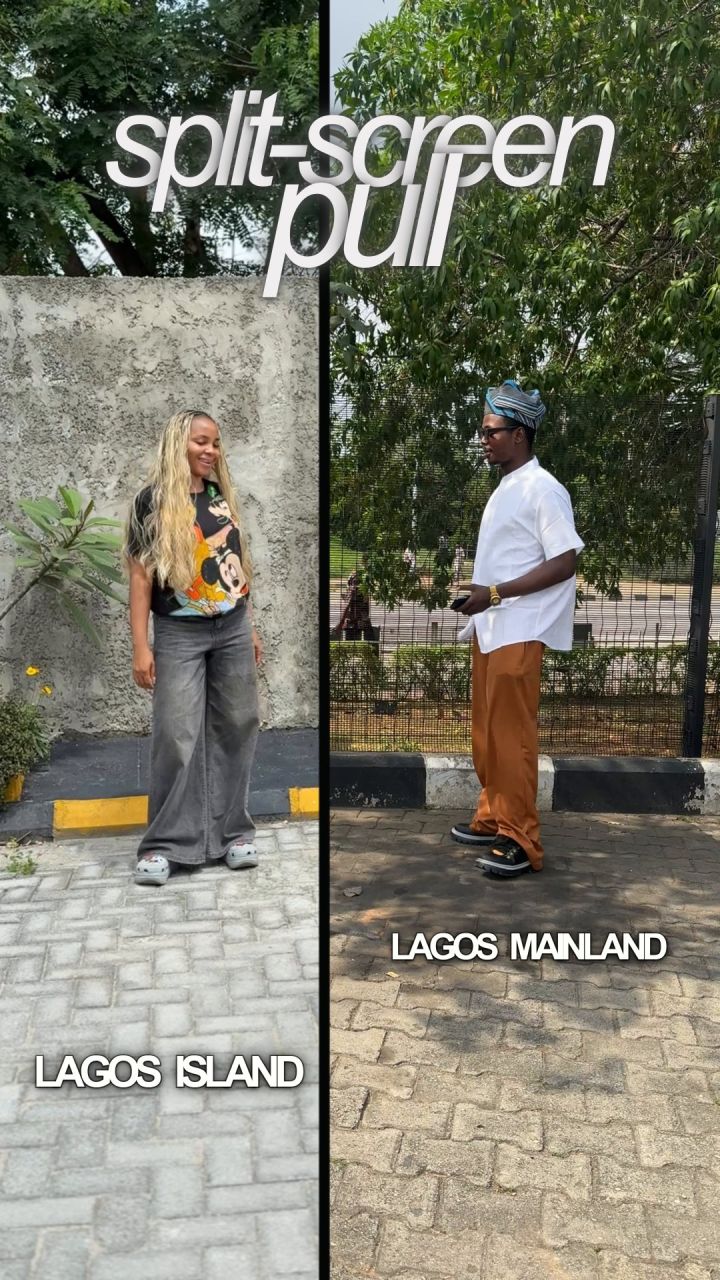
Step 2: The prompt that builds the pull
Put both clips in one folder, open Claude Code in that folder and paste this:
You are my video editor. Build a vertical split-screen pull from my two clips (9:16, 4K, 24 fps, the frame rate of my clips).

Inputs: my clip (ME.mov) and my friend's clip (FRIEND.mov).

1. Open on a split screen: my friend's place on the left, my place on the right, a thin dark bar between them that slides in from the right.
2. When I reach into the middle and pull, the bar goes and my friend is dragged out of their half into mine. Cut them out of their clip with a person matte. Never move the camera off my real footage.
3. They land beside me on MY floor: same height as me, heads level, feet on the same ground line. Measure my feet from my matte on every frame so they never float or sink.
4. Match them to my light: give them my warmth, a soft contact shadow under their feet, and a light wrap from my background around their edges.
5. After they land, frame us both from just below the knee up. Their feet must never be in the shot. Keep the camera following my real position on every frame.
6. When my friend talks, use their own clip in their own place. When I talk, use mine.
7. Every frame comes from my real footage. Never generate a person, a background or a face.

Before you render, show me 6 stills: the split, the pull, the landing, one of my lines, one of theirs, the end. Check every still for floating feet, a hard cut-out edge and a colour mismatch. Fix them, then render.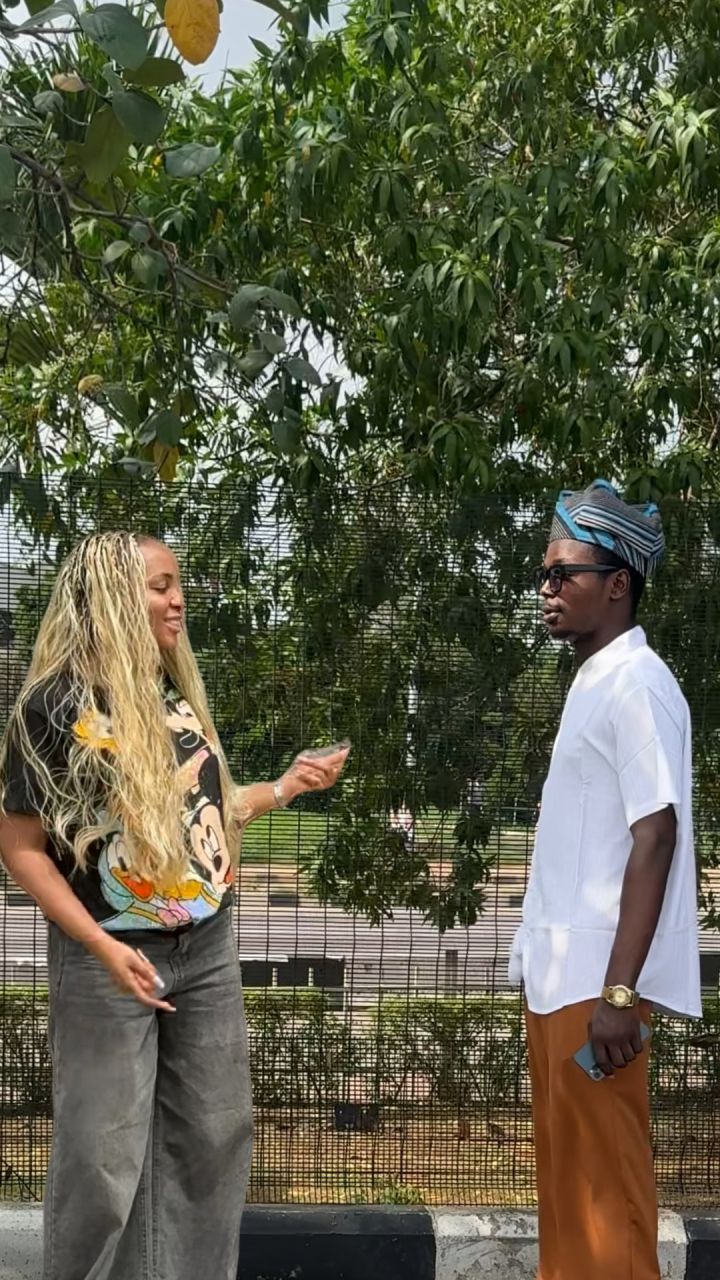
Step 3: The prompt that adds the captions
Now add the captions with HyperFrames, as one transparent layer over the video.

1. Get the words from my voice with Whisper. Every caption must match what was actually said, word for word.
2. Style: kinetic captions. Small white words appear one by one as they are spoken. Key phrases get big bold rows in bright colours. Names and tools get large italic titles that rise in.
3. Never put a word on a face. Find both faces on every frame and place each caption where it can be read: on a calm part of the picture, never touching the edge of the frame.
4. When I name a tool, show its real logo. Never draw a logo or an icon.
5. Nothing from one shot may stay on screen into the next shot.

Before you render, run the HyperFrames lint and a seek test, then show me 6 stills with the captions on.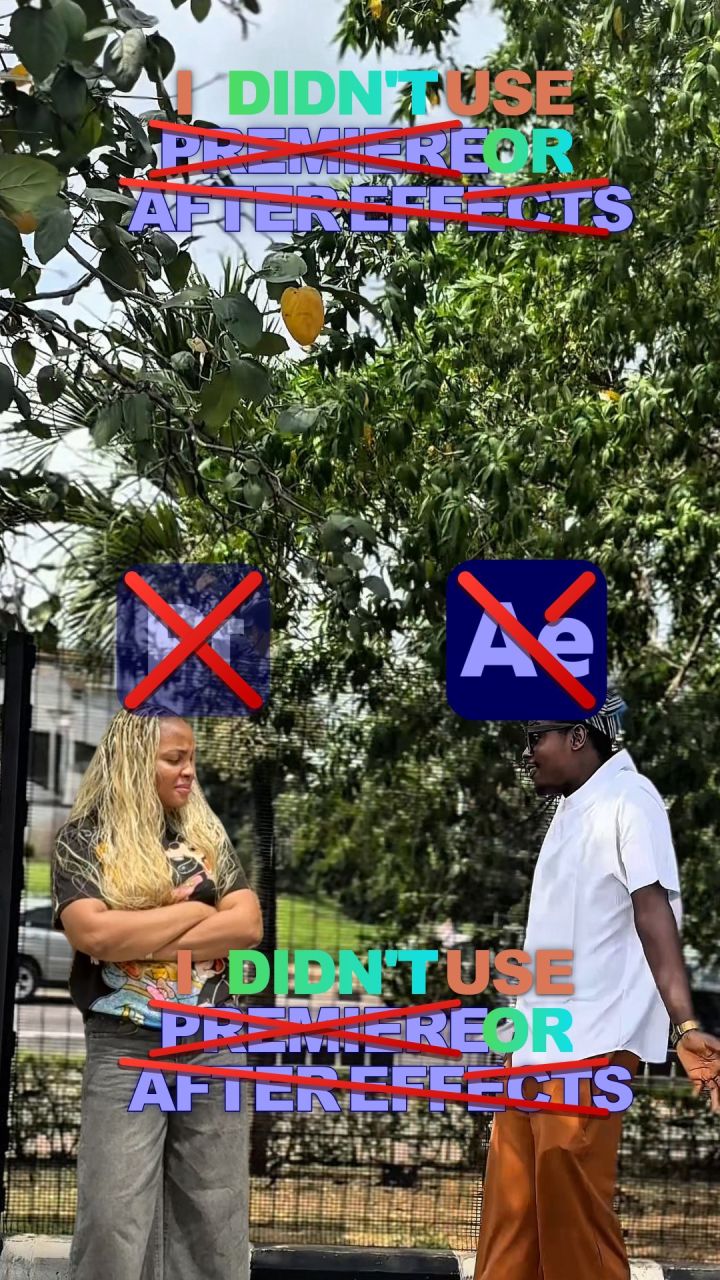
Step 4: The prompt for the sound
Now the sound.

1. Cut the dead air between our lines so the conversation runs without gaps.
2. Sound effects by meaning, not on every word: a drag sound on the pull, a slice on the split, a sting on the surprise, an "access denied" on anything crossed out. No sound on plain text.
3. Make original background music in code. Keep it 25 dB under our voices and carve it out of our voice range so it never covers a word.
4. Master at -14 LUFS, true peak no higher than -1.5 dB.

Render the final in 4K at 24 fps, H.264 at 40 Mbps, AAC audio. Tell me the loudness you measured.
The 5 rules I edit with
Film for the edit. Same height, same distance, away from the wall. A good shoot is half the work.
Keep it real. Every pixel of a person comes from the real footage. AI only cuts, places and lights.
Same floor, same light. A pulled-in person sells the trick only when their feet, height and colour match yours.
Hide what does not balance. If the feet look wrong, frame from just below the knee.
Check before you render. Ask for stills first. It is faster to fix a still than a 4K render.
Want the whole system?
This is one effect out of many.
There are 2 ways to get the rest.
1. Get the system now: TheEditCompanion
The Claude Code skill pack I used to edit this video. It works with your own editing app.
2. Learn it with me: my AI masterclass
- How to write prompts AI actually understands
- The full creative director system I use
- How to make AI videos people pay for